
Changed since our last check
Since we checked on .
- Audio you get: Partly, now Yes.
- Instant cloning: No, now Yes.
- Your voice trains their models: Partly, now No.
- Video dubbing: Partly, now Yes.
- Team seats: Partly, now Yes.
- API: No, now Partly.
- Contract and cancelling: Yes, now Partly.
Speechify Studio price and terms
Terms
- Free plan
- YesYes
The terms in full
Free Plan: 600 Studio credits (about 10 minutes of voice-over at 1 credit a second), access to 1,000+ voices, Voiceover Studio, Dubbing Studio and Voice Changer, but no commercial usage rights and MP3 download requires upgrading.
- Sign up without sales
- YesYes
For AI agents
- API
- Partly
What we checked on Speechify Studio
Cost for 2 hours a month
$8.33 a month on Studio Starter for 2 hours of 60 minutes. Billing increment not stated: computed per second (60 min a hour). If they round each hour up to the minute (60 min), it is $8.33. credits counted per character or per word are converted at the standard hour: 52,000 characters, 9,300 words Sold on annual billing only: monthly equivalent shown.
Studio Starter $100 /Year Great for small projects
speechify.com/pricing-studioChecked
Promotion and regular price
none — the two paid plans are published as plain yearly prices of $100 and $300, with no introductory rate, crossed-out figure or per-month framing of an annual deal.
$100 /Year
speechify.com/pricing-studioChecked
What the price counts
Studio meters everything in Studio credits: voiceover burns 1 credit a second, dubbing 3 and avatars 30, and plans grant 600, 86,400 or 345,600 credits.
Voiceover → 1 credit per second Dubbing → 3 credits per second Avatar → 30 credits per second
speechify.com/pricing-studioChecked
Voices that use more
One voice-over rate for every voice: 1 credit a second; dubbing 3, avatar 30
On the page: FAQ 'How are credits consumed?'
speechify.com/pricing-studioChecked
Unused credits
No: unused credits do not carry over
Your plan's limits (number of hours, uploads etc.) must be used during the applicable term. Any unused limits do not transfer over to the next month.
speechify.com/studio-termsChecked
Commercial use
Commercial usage rights start on Studio Starter, the cheapest paid plan at $100 a year; the free plan's card states it carries no commercial rights.
On the page: Plan cards, Studio Starter feature list
speechify.com/pricing-studioChecked
Stock voices
Every Studio plan, the free one included, lists access to more than a thousand ready-made AI voices with a range of accents.
Access to 1,000+ realistic voices
speechify.com/pricing-studioChecked
Languages
Speechify advertises over sixty languages for Studio voiceovers and dubbing, with regional dialects and accents rather than one voice per language.
Grow your worldwide audience with 60+ languages
speechify.com/studio-voicesChecked
Re-voice your recording
The Voice Changer, included on every Studio plan, lets you record your script and swap it onto another AI voice; the vendor does not say your original timing is preserved.
Record or type your script. Select a different voice or multiple voices
speechify.com/voice-changerChecked
Emotion, pace and emphasis
Studio takes inline emotion and action tags such as [laugh] or [shout] plus pause, pitch, speed and volume controls, so a line's tone and pacing are directed in the script itself.
Control every detail of the performance — pauses, punchlines, tone, pacing, and every subtle nuance
speechify.com/studio-voicesChecked
Pronunciation fixes
The vendor lists pronunciation among the editable properties alongside pitch, speed and volume; it does not describe a project-wide dictionary that fixes a name once.
Yes! Also pitch! And speed, volume, pronunciation, and so much more.
speechify.com/pricing-studioChecked
Long scripts and chapters
Long scripts split into blocks you can redo one at a time; no chapters stated
Please note that we have a limit of 2000 characters per text block in the Voiceover Studio. If you are using the copy-paste method to add text to the…
Audiobook files
Speechify names audiobooks as a core Studio use case and says you can produce them, but documents no chapter structure, retail-ready master files or named retail store.
Podcasts and Audiobooks: With Studio, you can create high-quality podcasts and audiobooks that are easy to listen to and engage your audience.
speechify.com/pricing-studioChecked
Several speakers
One Studio project can carry more than one voice: the workflow step for building a voiceover invites you to pick several voices for the same script.
Select a different voice or multiple voices
speechify.com/voice-changerChecked
Audio you get
Finished audio exports as WAV or MP3; the vendor calls the files high quality but publishes no sample rate or bit depth.Was Partly before our last check.
Export the high-quality audio files and voice recordings in WAV or MP3 and upload audio instantly wherever you wish.
speechify.com/voice-changerChecked
Instant cloning
Speechify Studio creates synthetic voices from recordings a person submits, and the biometric policy covers that workflow; no page states the minimum sample length or which plan unlocks it.Was No before our last check.
It applies to all Speechify products and services that create or verify synthetic voices, including the Speechify API, Speechify Studio, and voices…
Professional cloning
No public plan; only business 'Original Voice' dubbing under a separate agreement
Voice cloning and Original Voice dubbing are available to Business Customers only under a separate written agreement with Speechify, such as our…
speechify.com/studio-termsChecked
Consent of the voice’s owner
Speechify runs a voice owner verification process with voiceprint comparison to confirm the consenting person owns the voice, and its terms forbid clones made without that person's explicit consent.
Verification data: recordings made during Speechify's voice owner verification process, and the voiceprint comparison data used to confirm that the…
Your voice trains their models
The biometric policy limits what voice samples and voice models may be used for to providing the requested synthetic voice, verifying consent and preventing misuse, and the data is destroyed after set periods.Was Partly before our last check.
Speechify collects biometric data only to: create and provide synthetic voices that the voice owner, or a business customer holding the voice owner's…
Video dubbing
Dubbing Studio is on every plan, including the free one, and translates an uploaded video into another language while keeping the original speaker's voice character.Was Partly before our last check.
In one click, change your video into any language you pick. Match the speaker's voice, intonation, and speed.
speechify.com/studioChecked
Lip sync
Claimed on the dubbing editor page only
With advanced AI dubbing and precise lip-syncing capabilities, this professional video editor offers a user-friendly experience for both seasoned…
Editing the translation
Pronunciation and subtitles can be adjusted; editing the translated script or timing is not described
With Speechify Studio’s intuitive video editing features, users can choose the AI dubbing tool to instantly convert their video language to a new…
Captions and subtitles
Studio Captions transcribes an uploaded video automatically, styles the subtitles and exports either a burned-in captioned video or the transcript; translated subtitle tracks are not described.
Automatically generate subtitles for your videos using AI. Upload a file, get an accurate transcription in seconds, customize the look, and export a…
Voice to video
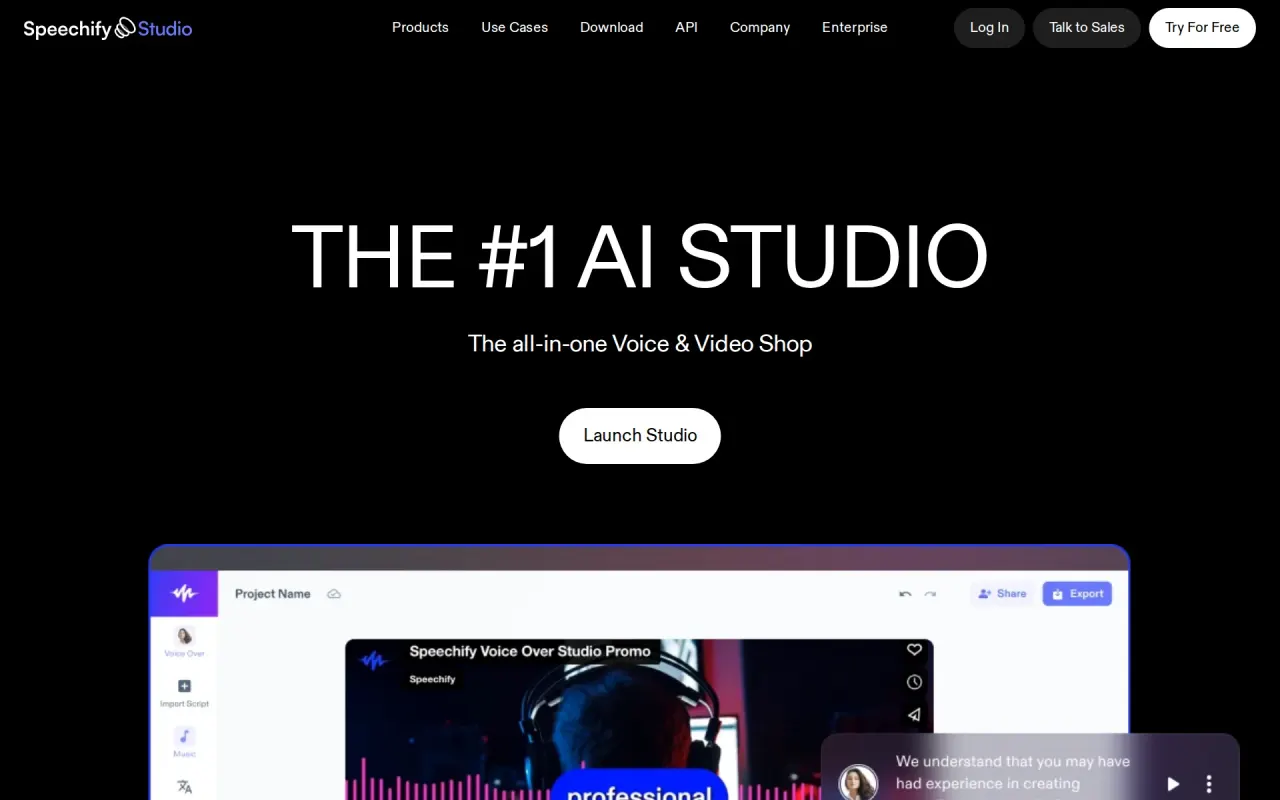
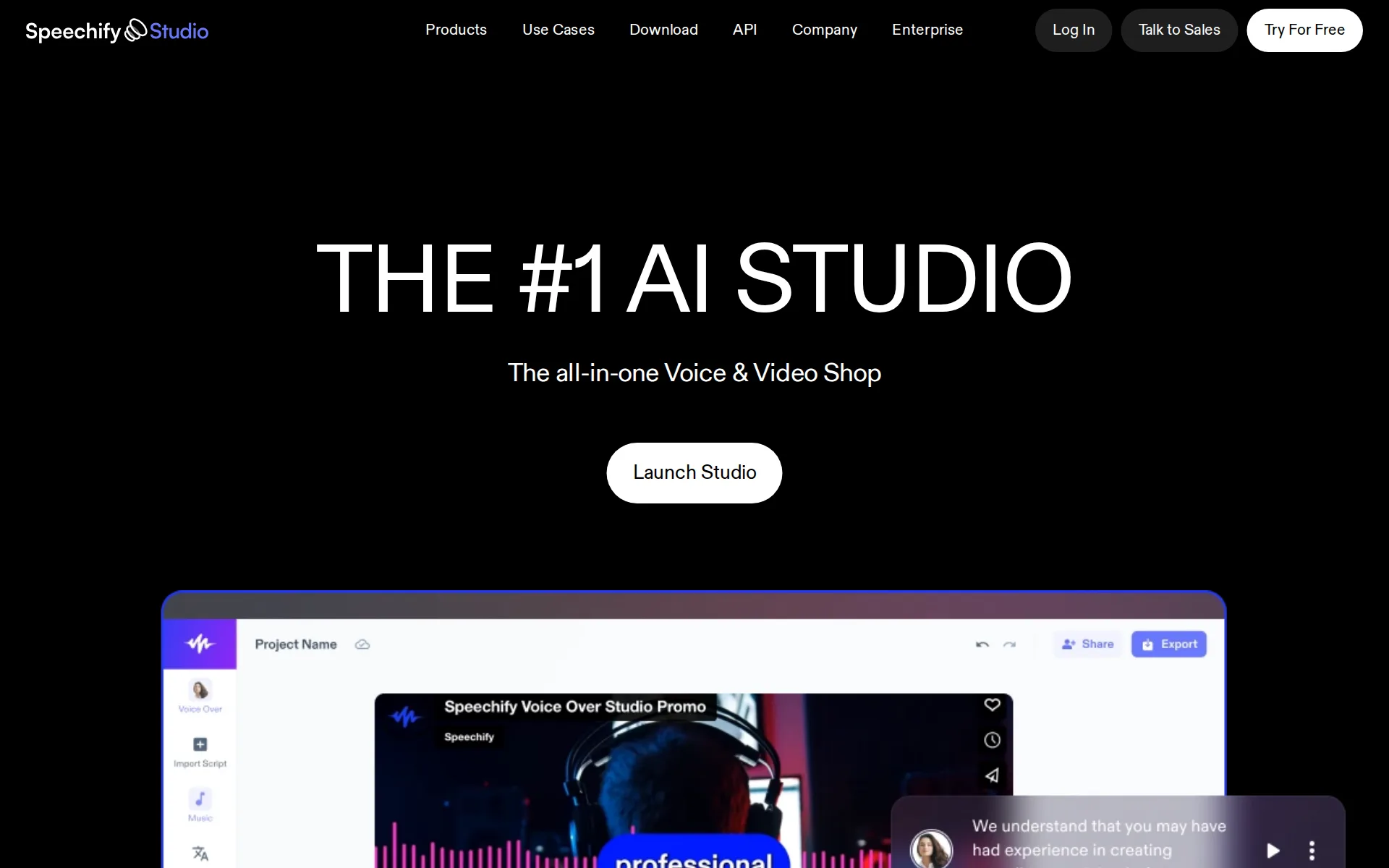
Studio is a video editor as well as a voice tool: script and audio are dragged onto a video timeline, with stock footage, images and music alongside.
Easily drag and arrange the script and audio on your video timeline.
speechify.com/voice-changerChecked
Team seats
Speechify pitches Studio at creative teams who share assets and collaborate in one account, but publishes no per-seat price or seat count for the two public plans.Was Partly before our last check.
Easily manage your team, share assets, collaborate, and get your creative campaigns out quicker than ever before.
speechify.com/studioChecked
API
Studio itself exposes no API; Speechify sells a separate text-to-speech API product with its own plans, so programmatic speech means buying that line as well.Was No before our last check.
Choose the plan that fits the traffic. Monthly usage is included.
speechify.com/pricing-apiChecked
API price
The separate Speechify API publishes character pricing: Simba 3.0 and 3.2 at $10, $8 or $6 per million characters by plan, with a free tier of 500K characters a month.
Simba 3.0 and 3.2 bill $10/$8/$6 per 1M characters on Starter/Pro/Scale.
speechify.com/pricing-apiChecked
Platforms
web — Studio runs entirely in the browser with no install, and Speechify says its browser tools work on windows, mac, ios and android devices.
With a zero learning curve and everything accessible in the browser, content creators can shed traditional limitations
speechify.com/studioChecked
Works inside
Speechify documents a Google Slides plugin for dropping Studio voice recordings into presentations; no other editor, Canva or CMS integration is described for Studio.
Google Slides voice-over plugin: Speechify offers a Google Slides plugin feature for voice recording.
speechify.com/pricing-studioChecked
AI labelling
An inaudible watermark marks all Studio audio as AI; no public checker named
Audio generated with Speechify Studio contains an imperceptible, machine-readable watermark identifying it as AI-generated.
speechify.com/studio-termsChecked
Who owns the audio
The vendor says Studio customers own the audio and hold commercial rights in perpetuity, so the license is not described as ending when a subscription is canceled.
With Studio you own the audio output and commercial rights in perpetuity to use for your own projects.
speechify.com/pricing-studioChecked
Free plan or trial
A standing free plan gives 600 Studio credits with the full voice library, voiceover, dubbing and voice changer, and the vendor says it lasts as long as you want.
As long as you want and it has full functionality.
speechify.com/pricing-studioChecked
What the free plan leaves on your audio
The free plan carries no commercial usage rights and the vendor says downloading your work as an MP3 requires upgrading, though it never mentions a watermark or audio credit.
Once you're ready to start sharing what you've built with the outside world and you need to download your work to an mp3, you can upgrade your plan…
speechify.com/pricing-studioChecked
Still sold
live — Studio is sold to new customers today with public plan cards, self-serve checkout links and a free plan anyone can start.
Create high-quality voiceovers, dub videos, and generate AI-powered audio with ease using Speechify Studio
speechify.com/pricing-studioChecked
Sign up without a sales call
Both paid Studio plans are bought online through a Select Plan button that leads straight to onboarding and checkout; sales contact is offered only for enterprise pricing.
On the page: Plan cards, Studio Starter purchase button
speechify.com/pricing-studioChecked
Contract and cancelling
Both paid Studio plans are quoted and sold by the year with no month-to-month option on the page, and cancellation is not described there.Was Yes before our last check.
On the page: Plan cards, Studio Starter price cell
speechify.com/pricing-studioChecked
Support
Speechify says Studio support runs seven days a week and routes questions through a contact form, a help center and a published support email address.
Yes! We offer support anytime you have questions. 7 days a week. We're here for you!
speechify.com/pricing-studioChecked
Speechify Studio alternatives
All 9 alternatives6 more alternatives
All 9 publish a price.
- VoicemakerFree, then $5 a monthCredit-metered AI text-to-speech studio with 2,000+ voices, voice cloning, speech-to-speech and SRT export.
- SpeechmaFree, then $9 a monthFree text to speech and creator audio tools with no account or credit card.
- Fish AudioFree, then $15 a monthExpressive text-to-speech, voice cloning and long-form studio with a credit-metered API.
- AkoolFree, then $12 a seat a monthAI video suite with video translation, lip sync, text to speech, voice cloning and a voice changer.


Sources and changes
Last changed
Sources16
- speechify.com/pricing-studio
- speechify.com/studio-terms
- speechify.com/voice-changer
- speechify.com/ai-voice-generator
- speechify.com/biometric-data-policy
- speechify.com/studio
- speechify.com/pricing-api
- speechify.com/studio-voices
- speechify.com/studio/video-dubbing-editor
- help.speechify.com/en/articles/7470854-how-to-change-voices-and-set-default-voices-in-speechify-ai-studio
- help.speechify.com/en/articles/7887867-how-to-adjust-the-speed-pitch-and-volume-in-voiceover-studio
- help.speechify.com/en/articles/7888115-is-there-a-character-limit-for-the-text-boxes-in-speechify-ai-studio
- help.speechify.com/en/articles/7888124-what-are-the-subscription-options-for-speechify-ai-studio
- help.speechify.com/en/articles/9555646-what-are-the-file-formats-you-can-export-your-voiceover-project
- speechify.com/studio-captions
- speechify.com/studio/voice-over-video-maker
What changed on this page2
- Dubbing features, free tier, license terms, plan limits, plans
- Dubbing features, free tier, license terms, plan limits
Speechify Studio price changes
Is this yours?
Claim this listing for free to see who reads it and mark it as yours. You confirm it with an email at speechify.com.
Report an error if a fact is wrong.